Blog
Creating Video Content for OnlyFans: Equipment, Editing, and What Sells
A practical guide to creating video content for OnlyFans. Covers equipment, shooting tips, free editing software, and pricing strategies.
Video content consistently outperforms photos for engagement, tips, and PPV sales. Fans are willing to pay more for it, they engage with it longer, and it creates a stronger sense of connection than static images alone. If you are not creating video yet, you are leaving money on the table. If you are, there are almost certainly ways to make it better without spending much.
Here is a practical guide to creating video content that works, from equipment to editing to pricing.
Why video matters
The numbers speak for themselves across the platform. Video content tends to drive:
- Higher PPV conversion rates compared to photo sets.
- More tips and direct messages.
- Longer time spent on your page per visit.
- Stronger fan loyalty and retention.
Video adds dimension that photos cannot. Your voice, your mannerisms, the way you move. These are the things that turn a subscriber into a long-term fan.
Equipment on a budget
You do not need to spend thousands on gear. Most successful creators start with what they already have and upgrade gradually as their income allows.
Phone vs camera
Your phone is genuinely all you need to start. Modern smartphones shoot 4K video with excellent stabilisation. The quality gap between a recent phone and a mid-range camera has narrowed significantly.
If you do want to upgrade eventually, a mirrorless camera like the Sony ZV-1 or Canon M50 is a popular choice among creators. But do not let the absence of a dedicated camera stop you from making video now.
Tripod
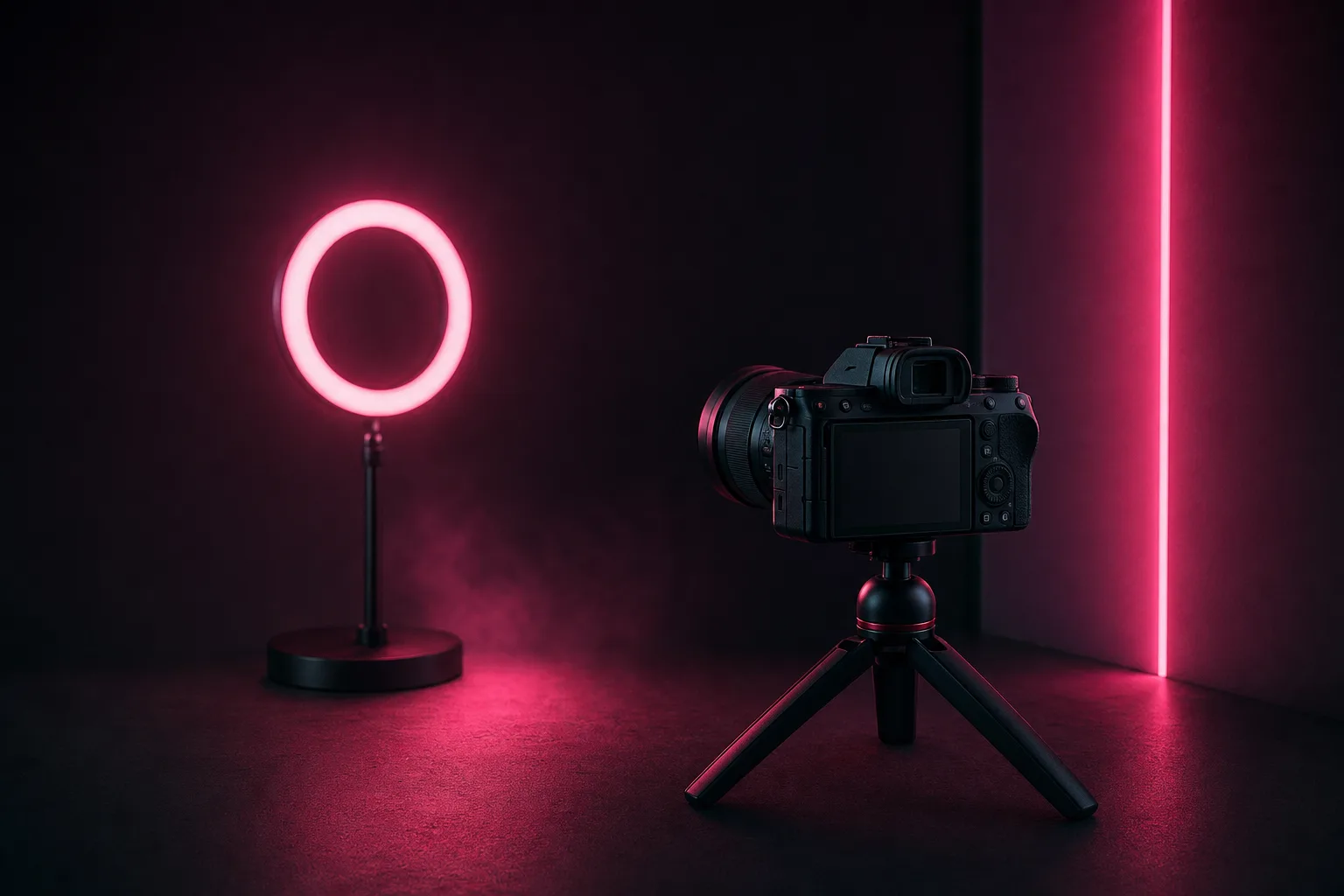
A tripod is essential for solo video work. Phone tripods with flexible legs start at around ten pounds and let you position your phone at any height or angle. For a camera, a standard tripod with adjustable height is worth the investment.
The key benefit: stable footage looks dramatically more professional than handheld video, even if everything else stays the same.
Lighting
The same lighting principles from photography apply to video, but consistency matters more because the viewer is watching continuously rather than glancing at a single frame.
- A ring light is the simplest starting point. It provides even, flattering light from the front.
- Two LED panels positioned at 45-degree angles give you a more cinematic look.
- Natural window light works well, but it changes throughout the day. If your video runs longer than ten minutes, the light may shift noticeably.
Audio
Bad audio is the fastest way to make video content feel amateur. Viewers will tolerate imperfect visuals, but muffled, echoey, or inconsistent sound is a deal-breaker.
- Lavalier microphones (clip-on mics) are the most affordable option. They plug directly into your phone and cost around ten to twenty pounds.
- USB microphones like the Blue Yeti or Rode NT-USB Mini are better for stationary setups where you are not moving around.
- The room matters. Hard surfaces (tiles, glass, bare walls) create echo. Soft furnishings, curtains, and carpets absorb sound. Shoot in the softest room you have, or hang a blanket behind your camera to dampen reflections.
Shooting tips
Good technique costs nothing and makes a huge difference.
Framing and composition
The same rules from photography carry over. Use the rule of thirds, leave some headroom, and avoid cutting off at awkward points (mid-forehead, at the knees). Position the camera at eye level or slightly above for the most flattering angle.
Stability
If you are not using a tripod, brace your elbows against your body, lean against a wall, or rest the phone on a stable surface. Shaky footage is distracting and hard to watch.
Landscape vs portrait
Landscape (horizontal) is better for longer-form content and anything fans might watch on a larger screen. Portrait (vertical) works well for short-form content, stories, and anything intended for mobile viewing.
Consider your primary use. Feed posts work in both orientations. Social media teasers should be vertical. PPV content is often best in landscape because it feels more cinematic.
Shoot in good light and record clean audio
Check your lighting and audio before you start recording. Film a ten-second test clip and watch it back. Fixing these issues before you shoot saves hours of editing later.
Shoot more than you need
Record longer takes and cut them down in editing. It is much easier to trim excess footage than to reshoot because you stopped recording too early. This also gives you more material for teasers and social media clips.
Editing software
You do not need to pay for editing software. These free options cover everything most creators need.
CapCut (free)
The most popular free editor for short to medium length videos. Available on phone and desktop, with a clean interface, good effects, text overlays, and music. It is intuitive enough to learn in an afternoon.
InShot (free with premium option)
A strong mobile editor with trimming, speed adjustment, filters, and text tools. Slightly simpler than CapCut but excellent for quick edits and social media clips.
DaVinci Resolve (free)
A professional-grade desktop editor that rivals paid software. The learning curve is steeper, but if you plan to produce longer or more polished videos, it is worth investing the time. It handles colour grading, audio mixing, and effects at a level that CapCut and InShot cannot match.
General editing tips
- Cut dead air and pauses. Tighten your edits so the video flows. Fans appreciate content that respects their time.
- Add text overlays for silent viewing. Many fans watch without sound initially. Text ensures they still get the message.
- Colour correct for consistency. Adjusting white balance and exposure across clips makes the final video look cohesive rather than patched together.
- Export at the highest quality your platform supports. For OnlyFans, 1080p is the standard. 4K is supported but files are larger.
Video length
There is no single correct length, but here are general guidelines based on what tends to perform well:
- Feed posts: 30 seconds to 3 minutes. Short enough to consume quickly, long enough to feel substantial.
- PPV content: 5 to 15 minutes. Fans expect longer content when they are paying extra for it.
- Social media teasers: 15 to 60 seconds. Just enough to create curiosity without giving away the full content.
- Custom videos: Based on the request, but typically 3 to 10 minutes. Price accordingly.
Types of video that sell
Not all video content is equal. These formats consistently perform well:
- Behind the scenes. Fans love seeing the process behind your content. It feels exclusive and authentic.
- Custom content. Personalised videos are among the highest-grossing content types for creators in every niche. Set clear boundaries and price them appropriately using the pricing calculator.
- Tutorials and how-tos. Teach something related to your niche, whether that is fitness, makeup, styling, art, or cooking.
- Day-in-the-life vlogs. Casual, personality-driven content that builds a deeper connection with fans.
- Try-ons and reveals. Outfit try-ons, product unboxings, or before-and-after content.
- Collaborative videos. Working with another creator doubles the audience and adds variety.
File formats and upload specs
OnlyFans accepts most common video formats (MP4 is the safest and most universally compatible). Keep these specs in mind:
- Resolution: 1080p (1920x1080) is the recommended standard. 4K is supported but upload times are longer.
- File size: The maximum file size for a single upload is 5 GB. Most videos should be well under this.
- Duration: There is no hard limit on video length, but extremely long videos may be difficult for fans to consume.
- Codec: H.264 is the most compatible codec for MP4 files.
Pricing your video content
Video should be priced higher than photos because it takes more effort to produce and fans perceive it as higher value. Use the pricing calculator as a starting point, and consider these factors:
- Length. Longer videos justify higher prices.
- Exclusivity. Content available only via PPV should cost more than feed content included in the subscription.
- Custom vs pre-made. Custom content commands a premium because it is made for one person.
- Your niche’s standards. Research what similar creators charge. You do not need to undercut, but being wildly out of range can hurt conversions.
Build your pricing into a tip menu so fans know exactly what is available and at what price. Clear pricing reduces friction and increases sales.
Building a video content system
The most sustainable approach is to treat video as part of your regular content workflow, not as a separate, high-effort project. Build video into your batch days, plan it in your content calendar, and keep your equipment set up and ready to go.
For more on improving the visual quality of your content, start with our photo tips guide, as many of the same principles apply to video.
If you want help with content strategy, scheduling, and growth, TalentGrow works alongside creators to handle the business side. You keep your own account and earnings, and the arrangement is month-to-month with no lock-in.
Interested? Apply here.